Clipboard loop
A configurable loop keeps recent copies in reach
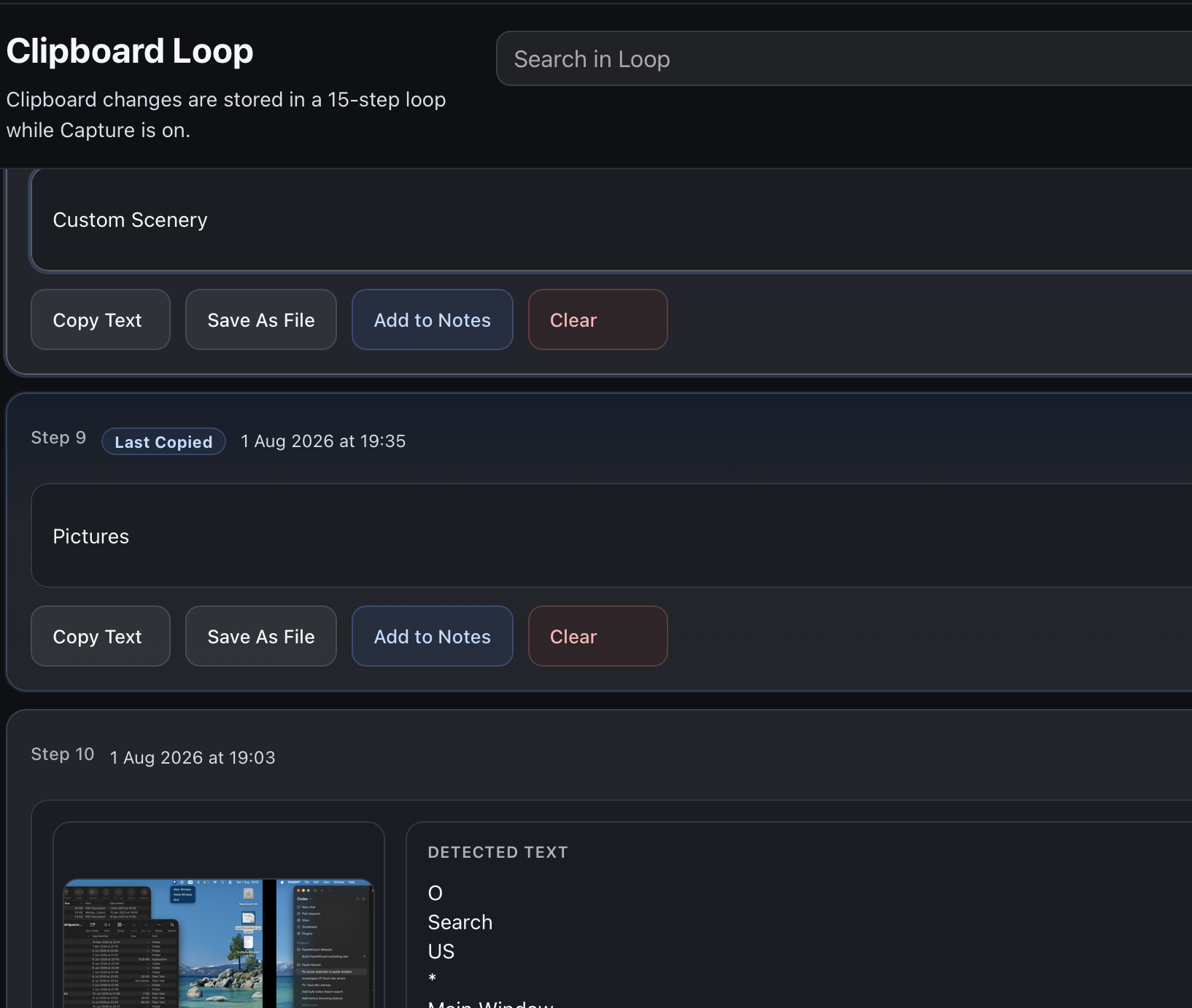
The main window keeps recent items grouped in a clean loop with search, notes, and quick actions beside each entry.
Clipboard manager for macOS
Paste Wizard helps you search and reuse your clipboard history on your Mac. Your clipboard stays stored locally, without an account or developer-owned cloud servers.
Product preview
The main window, paste window, notes, history, OCR tools, and protected-app controls are all part of the same workflow.
Clipboard loop
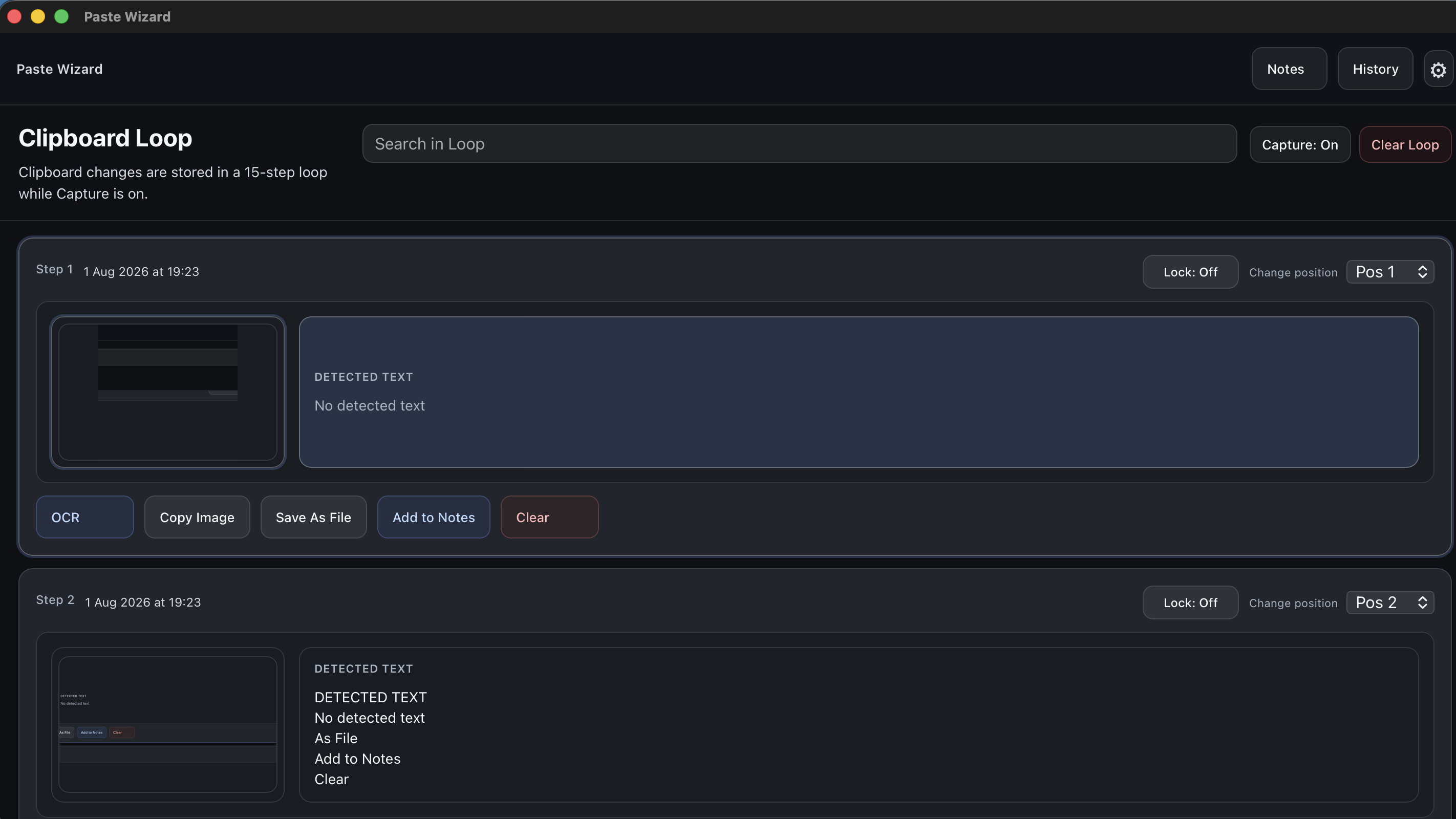
The main window keeps recent items grouped in a clean loop with search, notes, and quick actions beside each entry.
OCR
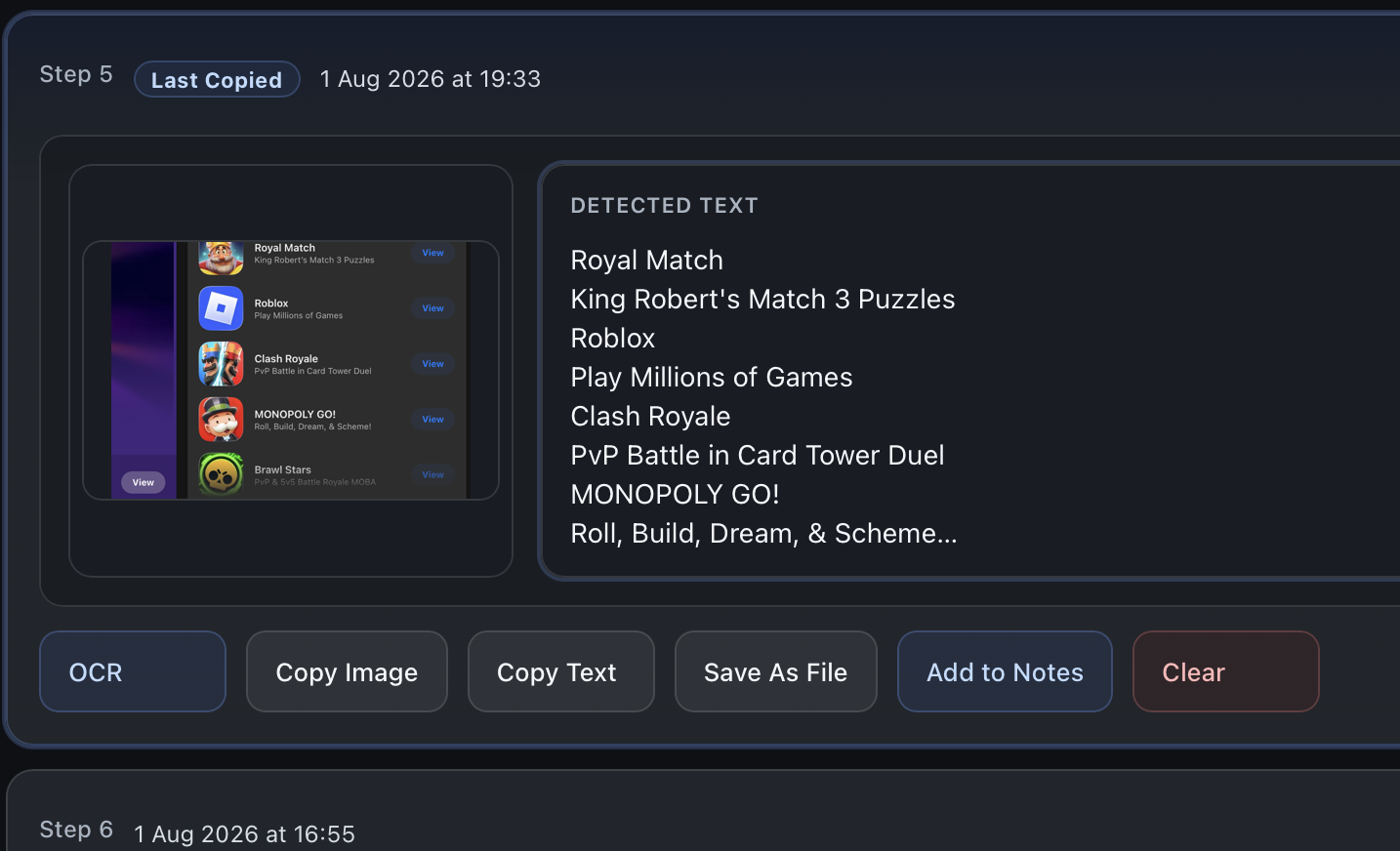
When a copied item includes an image, Paste Wizard can place the screenshot beside detected text so it is easier to reuse.
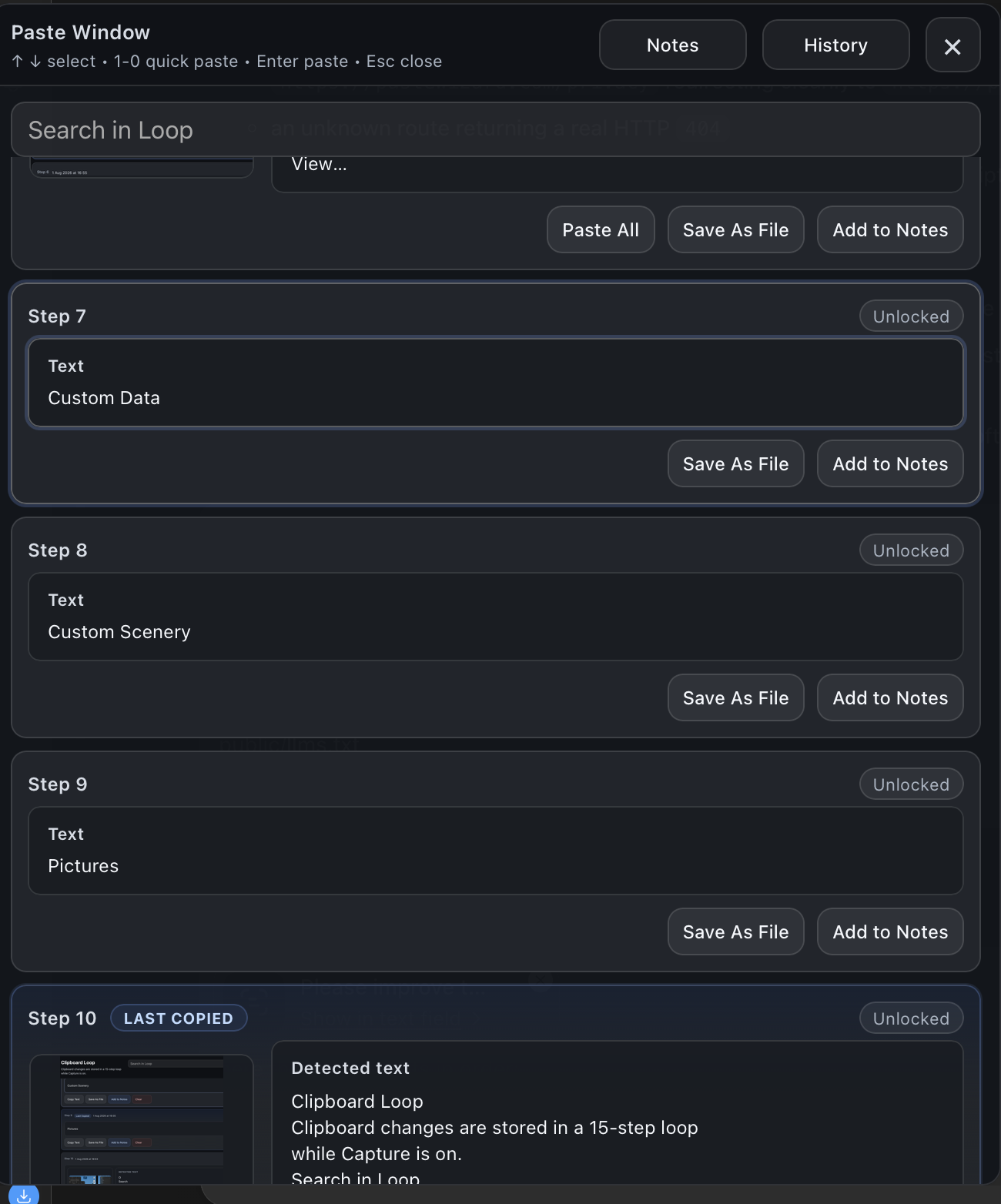
Paste window
The floating paste view keeps search, quick paste, notes, and history visible without forcing you back into the main window.
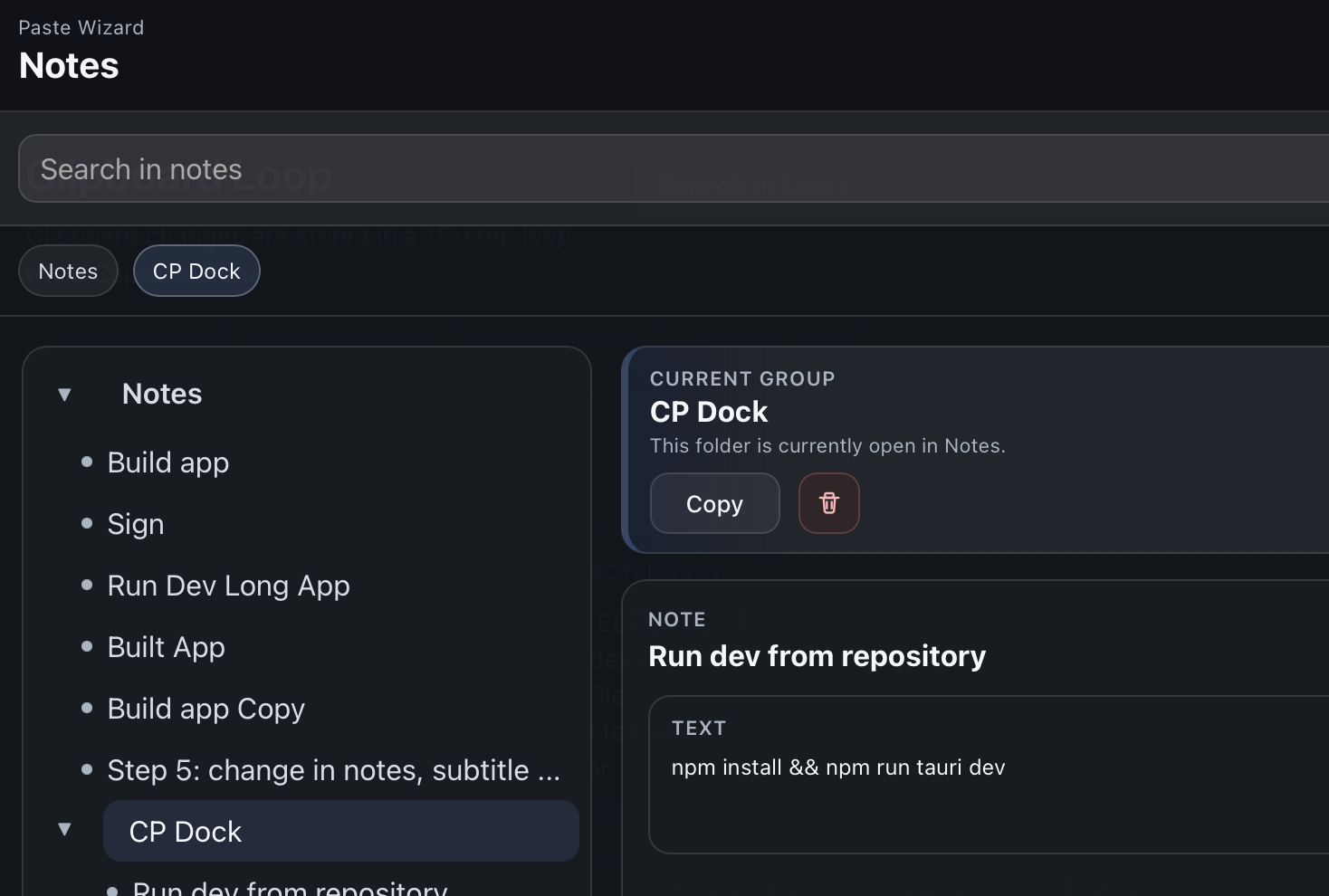
Notes
Saved notes and groups are available alongside clipboard tools so repeated information does not get buried.

History
The history view keeps cleared items available until you restore them or remove them permanently.

Protected apps
You can maintain a protected-app list for password managers and other apps you want Paste Wizard to ignore for safety.
Why it feels good to use
Paste Wizard keeps the interface approachable while still leaving room for search, OCR, protected apps, notes, history, and window controls that match different workflows.
Clipboard history
Search your recent clipboard items instead of re-copying the same text over and over.
OCR
Image captures can surface detected text so screenshots stay useful after you save them.
Paste window
A focused paste window keeps search, notes, and history close when you want to move quickly.
Notes and history
Notes and removed history stay accessible from the app views you already use most.
Protected apps
Protected apps help prevent clipboard content from being saved when you do not want it captured.
Configurable workflow
Tune the clipboard loop, window positions, and retention controls without making the app feel complicated.
Privacy
Paste Wizard stores clipboard history locally. It does not send clipboard contents to developer-owned servers, and no account is required.
Availability
Paste Wizard is not yet publicly available. The official download link will appear on the availability page once the app is approved and live.
Quick answers
The basics are simple: Paste Wizard helps keep clipboard history useful without turning it into a cloud account service.